


Mar . 21, 2026 01:55 Back to list
Choosing the Right Power Supply for Home Theater PC for Optimal Performance
Choosing the Right Power Supply for Home Theater PC
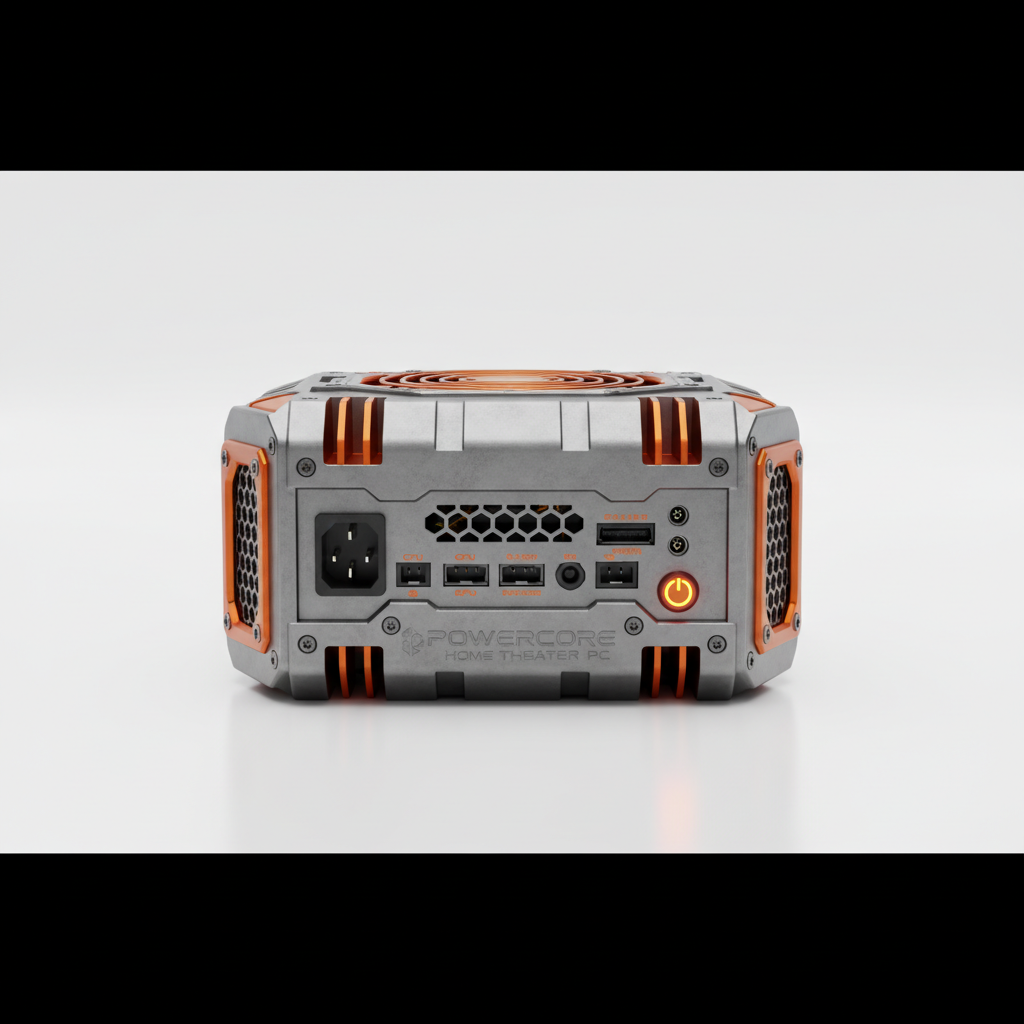
Building a Home Theater PC (HTPC) is an exciting endeavor, promising a dedicated entertainment hub for your living room. However, one component often overlooked, yet critically important, is the power supply for home theater PC. It’s the heart of your system, providing stable and efficient power to all the components. Selecting the correct PSU ensures optimal performance, reliability, and longevity of your HTPC. This article will guide you through the key considerations when choosing a power supply, helping you create a truly immersive home entertainment experience. A properly chosen PSU minimizes noise, maximizes efficiency, and protects your valuable components.
Understanding Power Requirements for Your HTPC
Before diving into specific PSU models, you need to estimate your HTPC's power consumption. This involves adding up the Thermal Design Power (TDP) of your CPU, GPU (if you have one), and the estimated power draw of other components like the motherboard, RAM, storage devices, and fans. It’s always best to overestimate slightly to ensure headroom for future upgrades or peak loads. A good starting point is to use a PSU calculator available online; numerous websites offer these tools, allowing you to input your components and receive a power recommendation. Remember to factor in the efficiency rating of the PSU, as this impacts the actual power drawn from the wall.
Key Considerations: Accurately estimating power consumption is crucial. Overestimating is better than underestimating, providing a safety margin for stability and future upgrades. Use a PSU calculator as a starting point.
The Importance of 80+ Certification
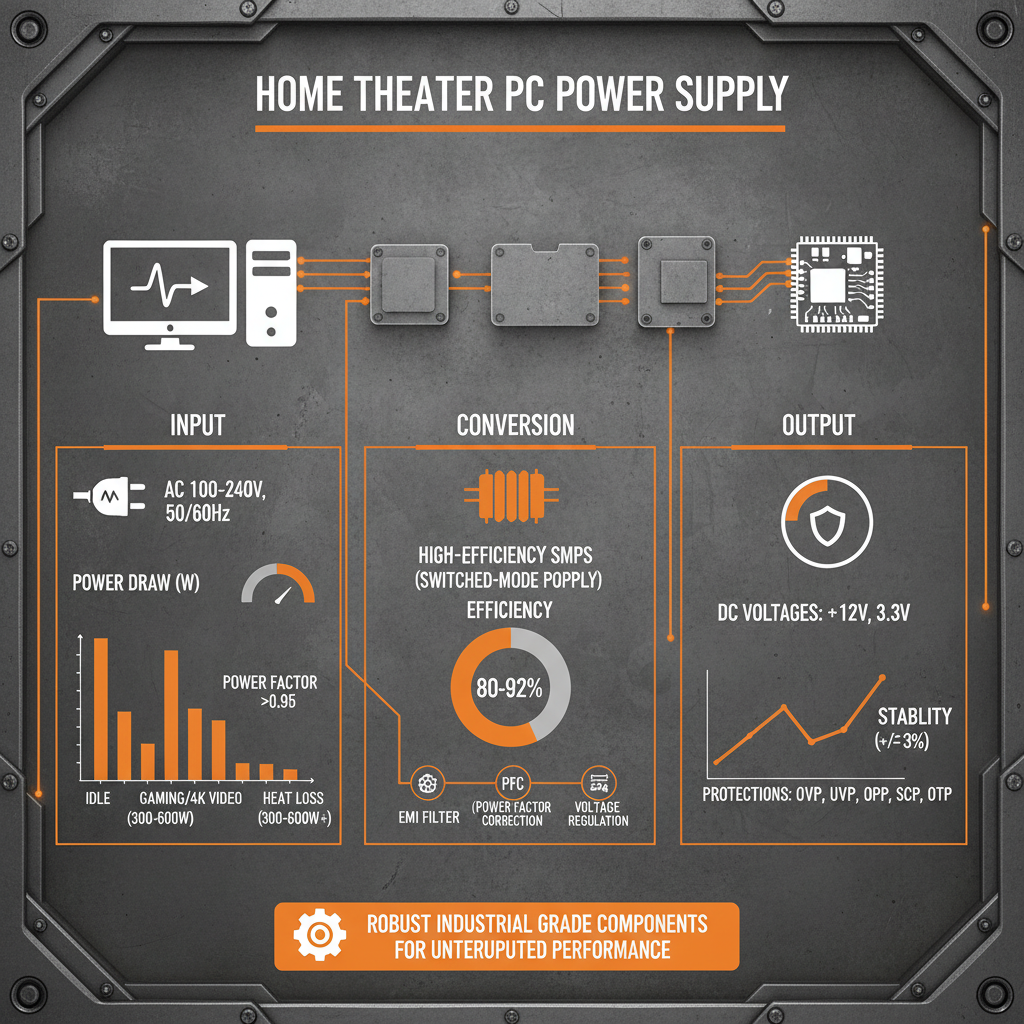
The 80+ certification is a crucial indicator of a PSU’s efficiency. It signifies that the power supply operates at a certain level of efficiency at different load levels. Higher certifications, such as 80+ Bronze, Silver, Gold, Platinum, and Titanium, indicate greater efficiency, meaning less power is wasted as heat. This not only saves you money on your electricity bill but also reduces the heat generated within your HTPC, contributing to a quieter and more stable system. Generally, an 80+ Gold certification is recommended for HTPCs, offering a good balance between cost and efficiency. ACDCBESS offers a wide range of highly efficient power supplies.
80+ Certification Levels:
• 80+ White: Minimum 80% efficiency
• 80+ Bronze: 82% efficiency at 20%, 50%, and 100% load
• 80+ Silver: 85% efficiency at 20%, 50%, and 100% load
• 80+ Gold: 87% efficiency at 20%, 50%, and 100% load
• 80+ Platinum: 90% efficiency at 20%, 50%, and 100% load
• 80+ Titanium: 94% efficiency at 20%, 50%, and 100% load
Quiet Operation: A Must-Have for Home Theaters
Unlike gaming rigs, HTPCs are typically located in living rooms, where noise is a major concern. Therefore, selecting a power supply with a quiet fan or, even better, a fanless design, is crucial. Many PSUs offer features like semi-passive cooling, where the fan only spins up when the load exceeds a certain threshold, resulting in near-silent operation during light use. Consider the fan size and bearing type as well – larger fans generally run quieter, and fluid dynamic bearing (FDB) fans tend to be more durable and quieter than sleeve bearing fans.
Modular vs. Non-Modular Power Supplies
Power supplies come in two main types: modular and non-modular. Non-modular PSUs have all their cables permanently attached, which can lead to cable clutter inside your HTPC. Modular PSUs, on the other hand, allow you to connect only the cables you need, resulting in a cleaner build and improved airflow. While modular PSUs are generally more expensive, the benefits in terms of cable management and aesthetics are significant, particularly in a compact HTPC case. ACDCBESS offers both modular and non-modular options to fit your needs.
Power Supply for Home Theater PC: A Summary
Choosing the right power supply for home theater PC is vital for a stable, quiet, and long-lasting system. Consider your power requirements, prioritize efficiency with an 80+ Gold (or higher) certification, and opt for a quiet or fanless design. Modular PSUs offer excellent cable management benefits. By carefully evaluating these factors, you can ensure that your HTPC delivers an exceptional entertainment experience for years to come.
Conclusion
Investing in a quality power supply isn’t just about powering your HTPC; it’s about protecting your investment and ensuring a smooth, reliable entertainment experience. A well-chosen PSU contributes to system stability, reduces noise, and minimizes energy consumption. Take the time to research and select a power supply that meets your specific needs and enjoy years of trouble-free entertainment.
Frequently Asked Questions (FAQs)
What wattage PSU do I need for a basic HTPC with integrated graphics?
For a basic HTPC with integrated graphics and a low-power CPU, a 300-400W power supply should be sufficient. However, it's always better to have some headroom for future upgrades or potential power spikes. If you plan on adding a dedicated graphics card later on, consider a 450-550W PSU. Remember to check the power requirements of all your components using a PSU calculator to get a more accurate estimate.
Is a fanless PSU a good choice for a completely silent HTPC?
Yes, a fanless PSU is an excellent choice for a truly silent HTPC. Because it has no moving parts, it produces absolutely no fan noise. However, fanless PSUs generally have lower wattage capacities and can be more expensive than traditional PSUs. Ensure that the fanless PSU you choose can provide enough power for all of your components without overheating. Proper case ventilation is also crucial when using a fanless PSU.
What is the benefit of a fully modular PSU?
A fully modular PSU allows you to connect only the cables you need, eliminating cable clutter and improving airflow inside your HTPC case. This is especially beneficial in compact HTPC cases where space is limited. By removing unused cables, you can create a cleaner, more organized build, which can also help with cooling. It also makes it easier to upgrade or modify your system in the future.
How long will a good quality PSU last?
A good quality power supply from a reputable brand can last 5-10 years or even longer, with proper care. Factors that can affect its lifespan include the quality of components, operating temperature, and the amount of stress it's subjected to. Regular cleaning to remove dust and ensuring adequate ventilation can help prolong its lifespan. It’s always a good idea to replace your PSU if it starts showing signs of failure, such as unexpected shutdowns or unusual noises.
-
Cedar Point EV Charging Solutions for Sustainable Tourism Experience
NewsApr.16,2026
-
Guide to Cedar Point Charging Stations for EV Park Visitors
NewsApr.16,2026
-
Acorn Stairlift Charging Point Guide for Home Mobility Optimization
NewsApr.16,2026
-
Integrating a Wireless Charging Point into Modern Infrastructure
NewsApr.16,2026
-
How to Optimize Your iPhone 14 Charging Point for Efficiency
NewsApr.16,2026
-
Analyzing the Charging Point Share Price Trends and Market Outlook
NewsApr.09,2026