


Mar . 24, 2026 02:05 Back to list
WD My Cloud Home Power Supply Guide Troubleshooting and Replacement Options
Understanding Your WD My Cloud Home Power Supply
Your WD My Cloud Home is a central hub for all your precious data, offering seamless access and backup solutions. However, like any electronic device, a reliable power supply is crucial for its optimal performance and longevity. This article dives deep into the power supply requirements for your WD My Cloud Home, troubleshooting common issues, and exploring replacement options. We’ll cover everything from the original specifications to potential upgrades, ensuring your data remains safe and accessible. A faulty power supply can lead to data corruption or complete device failure, so understanding its importance is key to preventing these issues.
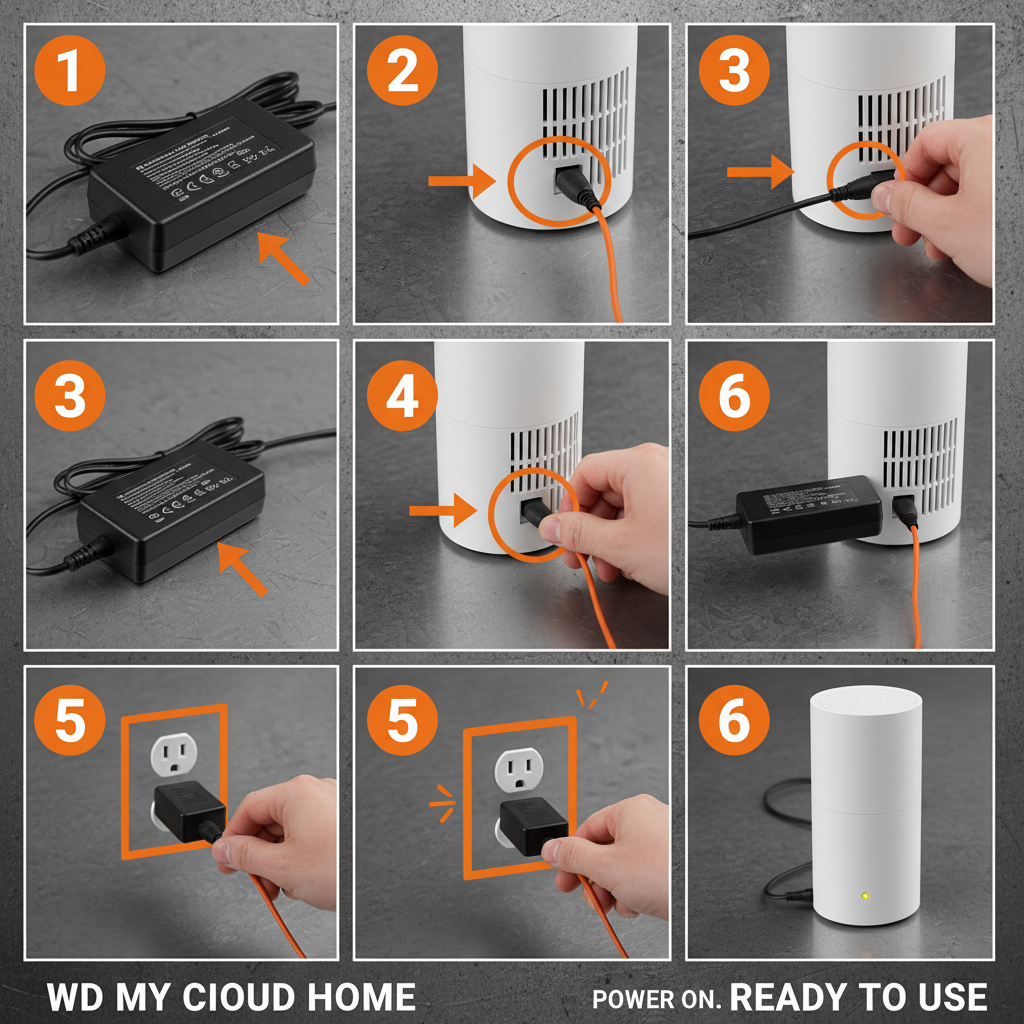
Original Power Supply Specifications for WD My Cloud Home
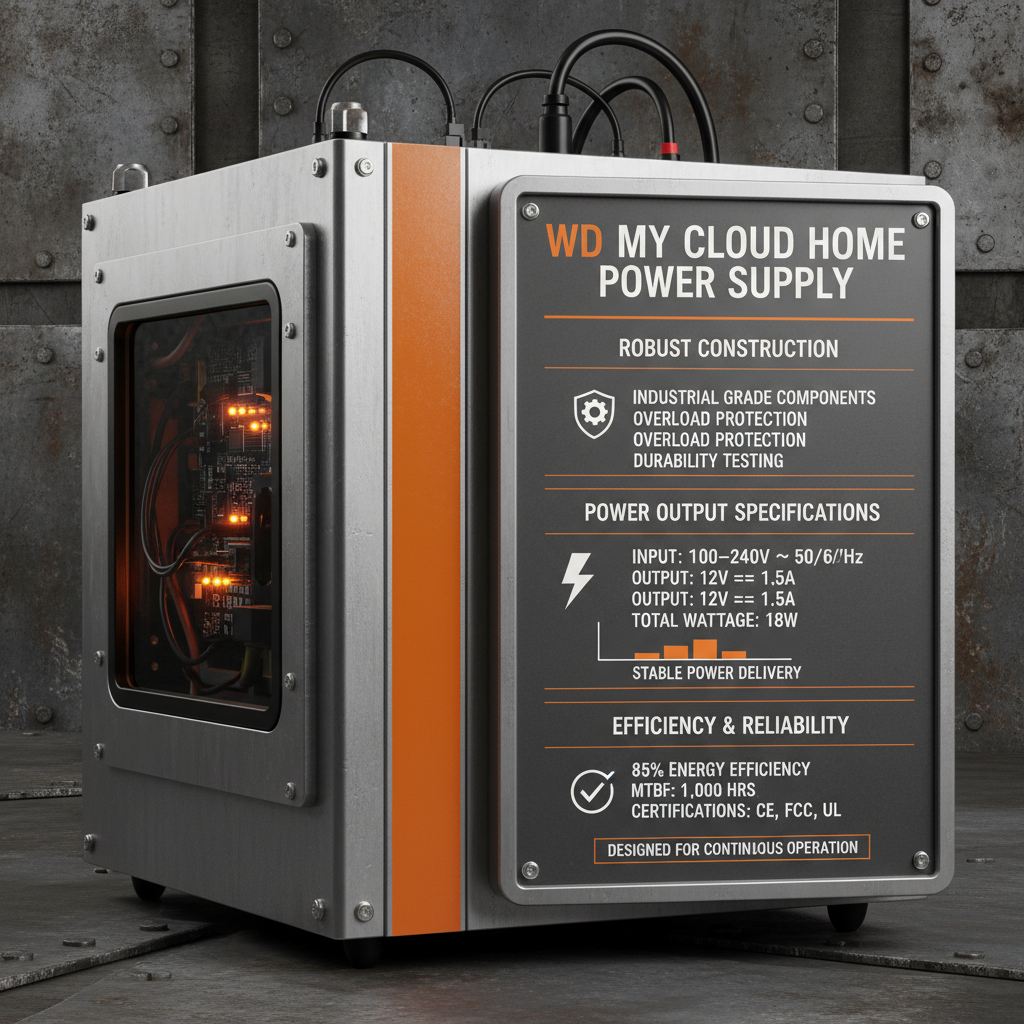
The original WD My Cloud Home typically utilizes a 12V DC power adapter with a 3A current rating. This translates to a maximum power output of 36 watts. The power connector is a standard 5.5mm x 2.5mm barrel connector, polarized with the center pin positive. It's important to note that using a power supply with incorrect voltage or amperage can severely damage your device. Always verify these specifications before attempting a replacement. The power supply is designed to operate within a specific temperature range, generally between 0°C and 40°C (32°F and 104°F), ensuring stable performance under normal environmental conditions. Using a non-compliant power supply can void your warranty.
Key Takeaway: Incorrect power supply voltage or amperage can cause irreversible damage to your WD My Cloud Home. Always double-check specifications.
Identifying Power Supply Issues: Symptoms and Diagnosis
Several symptoms can indicate a failing power supply. These include the device failing to power on, intermittent shutdowns, unusual noises (like buzzing or clicking), or a burning smell. If you experience any of these, immediately disconnect the power supply and investigate. A simple test is to try a known working 12V/3A power supply with the correct barrel connector. If the device powers on with the alternate supply, the original power supply is likely the culprit. However, be cautious and only use a verified, compatible power supply. Before replacing the power supply, rule out other potential issues like a faulty power outlet or a loose connection.
Common Power Supply Symptoms:
• Device fails to power on
• Intermittent shutdowns
• Unusual noises (buzzing, clicking)
• Burning smell
WD My Cloud Home Power Supply Replacements: Options & Considerations
When replacing your WD My Cloud Home power supply, you have a few options. You can purchase a genuine replacement from WD directly, but these can be expensive and sometimes difficult to find. Alternatively, many third-party manufacturers offer compatible power adapters. When choosing a third-party option, ensure it meets the exact voltage (12V) and amperage (3A) requirements. Consider purchasing a power supply with built-in surge protection for added safety. ACDCBESS provides reliable and efficient power supply solutions that can be used as suitable replacement.
Preventative Measures and Extending Power Supply Life
To extend the life of your WD My Cloud Home power supply, avoid overloading the device with excessive USB connections. Ensure the power supply is adequately ventilated, and keep it away from direct sunlight and sources of heat. Use a surge protector to shield against power spikes and fluctuations. Regularly check the power cable for any signs of damage or fraying. Proper care and maintenance can significantly prolong the lifespan of your power supply and prevent costly replacements. Consider implementing a regular backup schedule for your data, regardless of power supply condition, as a crucial safety net.
Frequently Asked Questions (FAQs)
Can I use a power supply with a higher amperage than 3A?
Yes, you can safely use a power supply with a higher amperage rating (e.g., 3.5A or 4A) as the WD My Cloud Home will only draw the amount of current it needs. However, the voltage must remain at 12V. A higher amperage supply simply provides more available power, ensuring stable operation even under peak load. Using a higher voltage supply will almost certainly damage your device.
What should I do if my WD My Cloud Home is still not working after replacing the power supply?
If you’ve replaced the power supply with a known working unit and the device still doesn’t power on, there may be an internal issue with the WD My Cloud Home itself. This could be a problem with the motherboard, hard drive, or other components. In this case, it’s best to contact WD support for further assistance or consider professional data recovery services if the data is critical. Before contacting support, ensure you’ve tried a different power outlet and cable.
How can I tell if a third-party power supply is compatible?
Carefully check the power supply's specifications. It must output 12V DC and have a minimum amperage of 3A. The barrel connector must be the correct size (5.5mm x 2.5mm) and polarity (center positive). Read customer reviews and check for any reports of incompatibility with the WD My Cloud Home. When in doubt, contact the seller or manufacturer to confirm compatibility before purchasing.
-
Cedar Point EV Charging Solutions for Sustainable Tourism Experience
NewsApr.16,2026
-
Guide to Cedar Point Charging Stations for EV Park Visitors
NewsApr.16,2026
-
Acorn Stairlift Charging Point Guide for Home Mobility Optimization
NewsApr.16,2026
-
Integrating a Wireless Charging Point into Modern Infrastructure
NewsApr.16,2026
-
How to Optimize Your iPhone 14 Charging Point for Efficiency
NewsApr.16,2026
-
Analyzing the Charging Point Share Price Trends and Market Outlook
NewsApr.09,2026