


Mar . 14, 2026 01:55 Back to list
Choosing the Best Home UPS Power Supply for Uninterrupted Power Protection
Choosing the Best Home UPS Power Supply: A Comprehensive Guide
In today's digitally reliant world, power outages can disrupt everything from work and communication to essential home appliances. A reliable home UPS (Uninterruptible Power Supply) is crucial for ensuring uninterrupted power. This guide will explore the key considerations when selecting the best UPS for your home, covering different types, features, and power requirements. Whether you need to safeguard your computer, entertainment system, or essential medical devices, understanding your needs is the first step. Protecting your valuable electronics and sensitive data with a quality UPS is a smart investment.
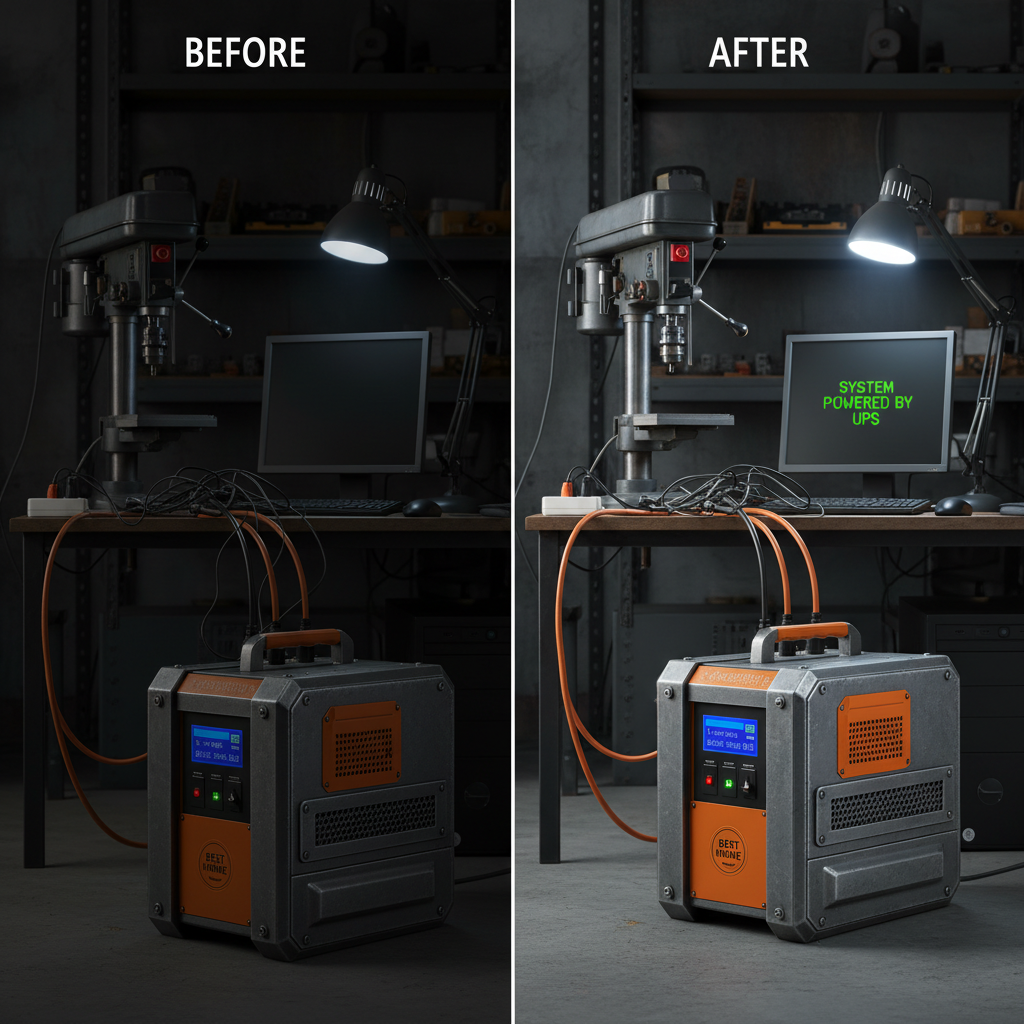
Understanding Different Types of Home UPS
There are three main types of UPS systems available for home use: Standby UPS, Line-Interactive UPS, and Online UPS. Standby UPS is the most affordable, switching to battery power only when a power outage occurs. Line-Interactive UPS offers voltage regulation in addition to battery backup, making it suitable for areas with frequent voltage fluctuations. Online UPS provides the highest level of protection by continuously running on battery power, ensuring zero transfer time during outages. Choosing the right type depends on your power needs and sensitivity of your connected devices. A reliable UPS from a trusted supplier is key to protecting your home electronics.
Key Considerations: Understanding the differences between standby, line-interactive, and online UPS systems will help you select the best option for your home and specific power protection requirements.
Determining Your Power Needs: Calculating Wattage
Before purchasing a UPS, it’s essential to calculate the total wattage of the devices you want to protect. Add up the wattage listed on each device's power supply. Remember to account for inrush current – the extra power devices draw when they start up. It's always better to choose a UPS with a higher wattage capacity than your calculated total. This ensures that the UPS can handle peak loads and provide sufficient backup time. You can find detailed information and assistance with wattage calculations on the ACDCBESS website.
Wattage Calculation Tips:
• Add up the wattage of all devices.
• Factor in inrush current for startup surges.
• Choose a UPS with a higher wattage capacity than your total.
Best Home UPS Power Supply: Key Features to Look For
When choosing a best home UPS power supply, consider the following features: Battery Capacity (measured in Volt-Amperes or VA), Backup Time (how long it can power devices during an outage), Surge Protection (protects against voltage spikes), Automatic Voltage Regulation (AVR), LCD Display (for monitoring status), and Communication Ports (USB or serial for data logging). These features ensure reliable protection and provide valuable insights into your power system. Look for UPS models that offer robust surge protection and AVR to safeguard your electronics from damaging fluctuations.
ACDCBESS UPS Solutions: A Reliable Choice
ACDCBESS offers a wide range of high-quality UPS systems designed for home and office use. Our UPS solutions are engineered for reliability, efficiency, and long-lasting performance. From compact models for individual computers to larger systems for whole-home protection, we have a solution to meet your specific needs. Explore our product catalog and benefit from competitive pricing and excellent customer support.
Choosing the Right UPS: A Quick Guide
Here's a quick reference to help you choose the right UPS:
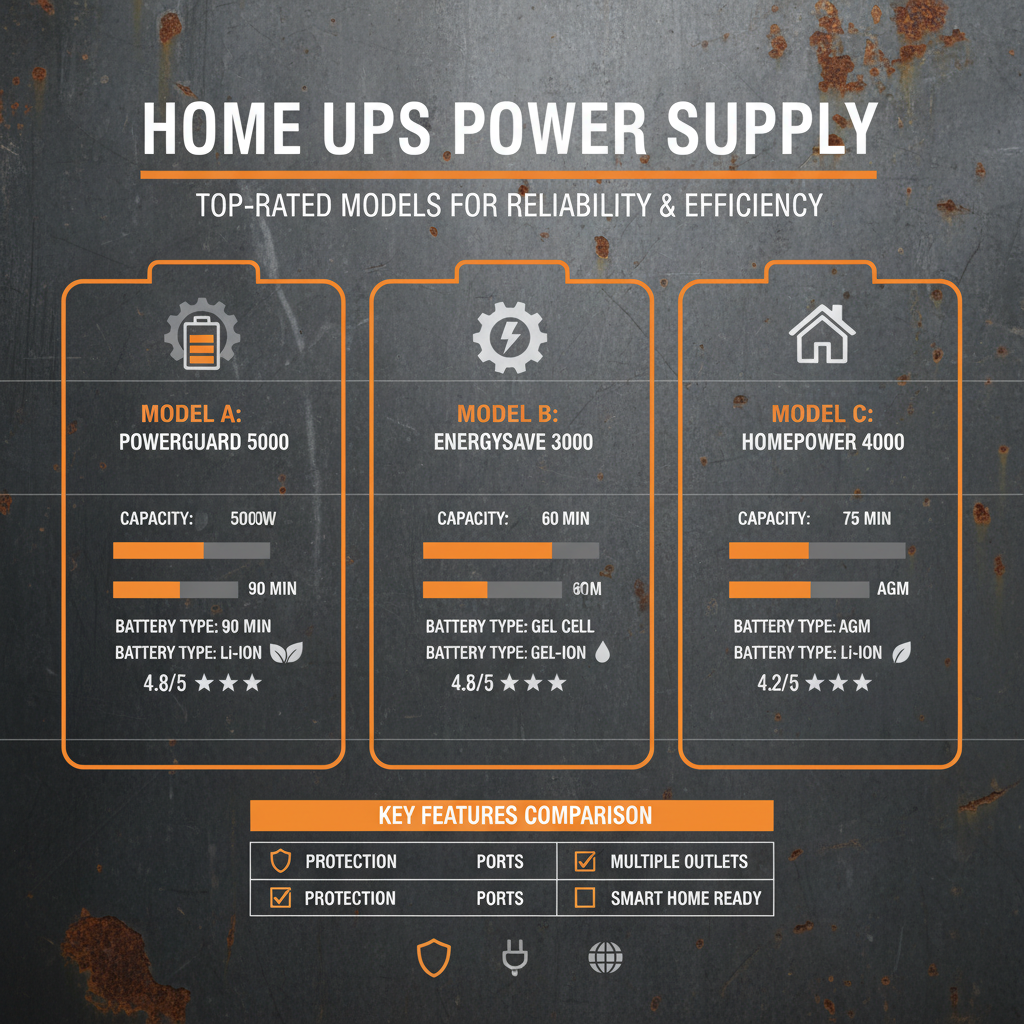
- For basic computer protection: A standby or line-interactive UPS with 600-1000 VA capacity.
- For protecting multiple devices or sensitive electronics: A line-interactive UPS with 1000-2000 VA capacity.
- For critical applications (medical equipment, servers): An online UPS with 2000 VA or higher capacity.
Conclusion: Powering Peace of Mind
Investing in a home UPS power supply from ACDCBESS is a proactive step towards protecting your valuable electronics and ensuring uninterrupted power during outages. By understanding your power needs, choosing the right UPS type, and considering essential features, you can safeguard your data, maintain connectivity, and enjoy peace of mind. Don't wait for the next power outage – be prepared with a reliable UPS solution.
Frequently Asked Questions (FAQs)
What is the difference between VA and Watts?
VA (Volt-Amperes) is the apparent power, while Watts (W) is the actual power consumed. Watts are always equal to or less than VA. A power factor, typically between 0.6 and 0.8, represents the relationship between Watts and VA. When sizing a UPS, it’s important to consider the wattage requirements of your devices, but the UPS capacity is often specified in VA. To convert VA to Watts, multiply the VA rating by the power factor. For example, a 1000VA UPS with a power factor of 0.7 can deliver 700 Watts.
How long will a UPS last during a power outage?
The backup time depends on the UPS capacity (VA/Watts), the battery capacity, and the load (total wattage of connected devices). A higher capacity UPS with a larger battery will provide longer backup time. Generally, a UPS can provide enough power to safely shut down your devices for 5-15 minutes. Some models can power critical devices for several hours, depending on their size and the connected load. Consider your shutdown procedure and the time needed to save your work when choosing a UPS.
Do UPS systems require maintenance?
Yes, UPS systems require some maintenance. The batteries typically need to be replaced every 3-5 years, depending on usage and environmental conditions. It's essential to periodically check the UPS status using the LCD display or software and ensure that the batteries are charging correctly. Dust buildup should also be removed regularly to prevent overheating. Refer to the manufacturer’s manual for specific maintenance instructions.
Are UPS systems energy efficient?
Modern UPS systems are designed to be energy efficient. Line-interactive and online UPS systems typically have good energy efficiency ratings. However, some energy is lost during the conversion process from AC to DC and back to AC. Look for UPS models with high efficiency ratings to minimize energy waste. ACDCESS provides energy efficient UPS solutions that help reduce your carbon footprint and lower your electricity bills.
-
Cedar Point EV Charging Solutions for Sustainable Tourism Experience
NewsApr.16,2026
-
Guide to Cedar Point Charging Stations for EV Park Visitors
NewsApr.16,2026
-
Acorn Stairlift Charging Point Guide for Home Mobility Optimization
NewsApr.16,2026
-
Integrating a Wireless Charging Point into Modern Infrastructure
NewsApr.16,2026
-
How to Optimize Your iPhone 14 Charging Point for Efficiency
NewsApr.16,2026
-
Analyzing the Charging Point Share Price Trends and Market Outlook
NewsApr.09,2026