


Mar . 24, 2026 02:05 Back to list
Choosing the Right UPS Power Supply for Home Use and Protection
Choosing the Right UPS Power Supply for Home Use
Protecting your valuable electronics from power outages is crucial in today's interconnected world. A UPS (Uninterruptible Power Supply) provides a vital bridge between an unexpected power loss and potential data corruption or hardware damage. This article will guide you through understanding UPS power supplies for home use, exploring key features, types, and how to select the best one for your needs. Ensuring a stable power source for your essential devices is easier than you think. We'll cover everything you need to know to make an informed decision.
What is a UPS and Why Do You Need One?
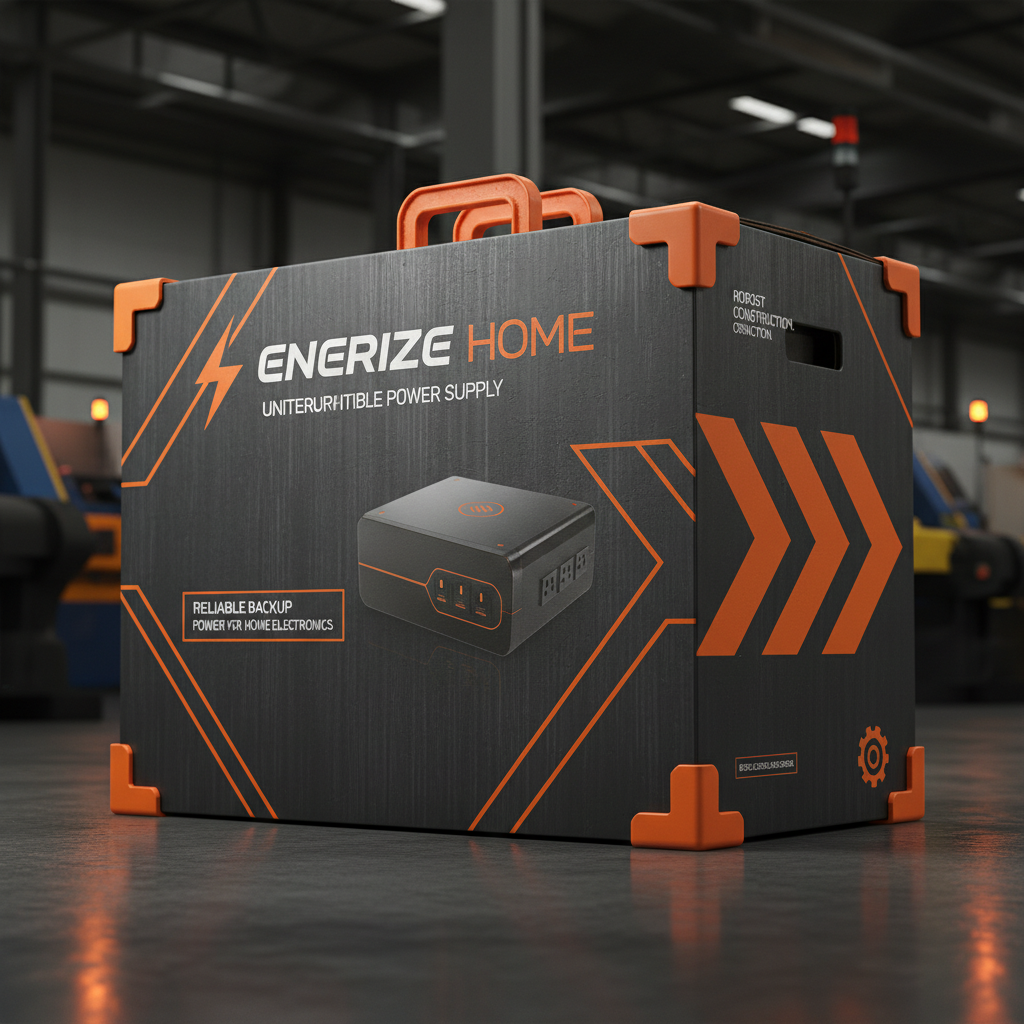
A UPS is essentially a battery backup that provides temporary power when the main power source fails. It not only protects against complete power outages but also safeguards against power surges, sags, and fluctuations. These inconsistencies can damage sensitive electronic components over time. For home users, a UPS power supply is invaluable for protecting computers, gaming consoles, network equipment (routers, modems), and other critical devices. Think of it as an insurance policy for your electronics, providing peace of mind and preventing costly repairs or data loss. ACDCBESS offers a wide range of solutions to fit your home needs.
Key Benefits: Prevents data loss, protects hardware from damage, provides time to safely shut down devices, safeguards against power surges and fluctuations.
Types of UPS Power Supplies
There are three main types of UPS systems: standby, line-interactive, and online (double-conversion).
- Standby UPS: The most basic and affordable type. It switches to battery power only when a power outage is detected.
- Line-Interactive UPS: Offers voltage regulation in addition to battery backup. This helps protect against power sags and surges without constantly draining the battery.
- Online (Double-Conversion) UPS: Provides the highest level of protection. It continuously powers the connected devices from the battery, ensuring a clean and consistent power supply at all times.
For most home applications, a line-interactive UPS is the best balance of cost and performance.
Choosing the Right Type:
• Basic Protection: Standby UPS
• Common Home Use: Line-Interactive UPS
• Critical Equipment: Online (Double-Conversion) UPS
Key Features to Consider When Choosing a UPS for Home
Several factors determine the suitability of a UPS for your home. These include:
- VA (Volt-Amps) Rating: Indicates the amount of power the UPS can handle. Calculate the total power consumption of the devices you want to protect.
- Wattage: The actual power drawn by your devices. Ensure the UPS wattage capacity exceeds your total wattage needs.
- Runtime: How long the UPS can provide power during an outage. A longer runtime allows more time to safely shut down your equipment.
- Outlets: The number and type of outlets available.
- Surge Protection: The level of surge protection offered.
- Communication Ports: USB or serial ports for monitoring and management.
Comparing Popular UPS Power Supply Models
Here's a comparison of some popular UPS models for home use:
Proper UPS Maintenance for Longevity
To ensure your UPS power supply operates reliably for years, follow these simple maintenance tips:
- Regular Battery Checks: Most UPS units have self-test features. Run these tests periodically to verify battery health.
- Keep it Clean: Dust and debris can build up and affect performance.
- Avoid Extreme Temperatures: Store and operate the UPS in a cool, dry environment.
- Replace the Battery: UPS batteries have a limited lifespan (typically 3-5 years). Replace the battery when it starts to degrade.
Conclusion: Power Up Your Peace of Mind
Investing in a UPS power supply is a smart and cost-effective way to protect your valuable electronics. By understanding your power needs and choosing the right type of UPS, you can ensure uninterrupted operation and prevent data loss. ACDCBESS offers reliable and affordable solutions for home power protection.
Frequently Asked Questions (FAQs)
How do I calculate the correct UPS size for my needs?
To determine the appropriate UPS size, first list all the devices you want to protect. Then, find the wattage rating for each device (usually found on a sticker on the device or in its manual). Add up the wattage of all the devices. Choose a UPS with a wattage rating that is at least 20-25% higher than your total wattage. Also, consider the VA (Volt-Amp) rating, which is often listed alongside the wattage. The VA rating provides a more accurate measure of the UPS's capacity, especially for devices with non-linear loads.
What is the difference between a sine wave and a stepped approximation wave UPS?
Sine wave UPSs produce a smooth, consistent power output that closely mimics the power from a utility grid. Stepped approximation wave UPSs (also called modified sine wave) produce a more jagged waveform. While stepped approximation wave UPSs are less expensive, they may not be compatible with all sensitive electronic devices, especially those with AC motors or complex power supplies. It's generally recommended to choose a sine wave UPS for optimal compatibility and performance.
How often should I replace the UPS battery?
Most UPS batteries need to be replaced every 3 to 5 years, depending on usage and environmental conditions. Signs that the battery needs replacing include reduced runtime, frequent self-test failures, and a noticeable decrease in the UPS's ability to provide backup power. Refer to your UPS manual for specific battery replacement instructions.
Can a UPS protect against power surges?
Yes, most UPSs offer surge protection to safeguard your devices from voltage spikes. The UPS absorbs the excess voltage, preventing it from reaching your sensitive electronics. However, the level of surge protection varies between models. Look for a UPS with a high joule rating for superior surge protection.
-
Cedar Point EV Charging Solutions for Sustainable Tourism Experience
NewsApr.16,2026
-
Guide to Cedar Point Charging Stations for EV Park Visitors
NewsApr.16,2026
-
Acorn Stairlift Charging Point Guide for Home Mobility Optimization
NewsApr.16,2026
-
Integrating a Wireless Charging Point into Modern Infrastructure
NewsApr.16,2026
-
How to Optimize Your iPhone 14 Charging Point for Efficiency
NewsApr.16,2026
-
Analyzing the Charging Point Share Price Trends and Market Outlook
NewsApr.09,2026