


Apr . 09, 2026 01:55 Back to list
Troubleshooting Guide for Charge Point Not Charging Issues
Troubleshooting Your Charge Point Not Charging: A Complete Guide
Finding your charge point not charging can be a frustrating experience, especially when you have a long journey ahead. Whether you are using a home wallbox or a public charging station, a failure to initiate the power flow can stem from various sources, ranging from simple connection errors to complex electrical faults. Understanding the common culprits allows you to resolve the issue quickly and safely. In this comprehensive guide, we will walk you through the most frequent reasons for charging failures and provide actionable steps to get your electric vehicle (EV) back on the road. By following these professional tips, you can minimize downtime and ensure your energy infrastructure is operating at peak efficiency.
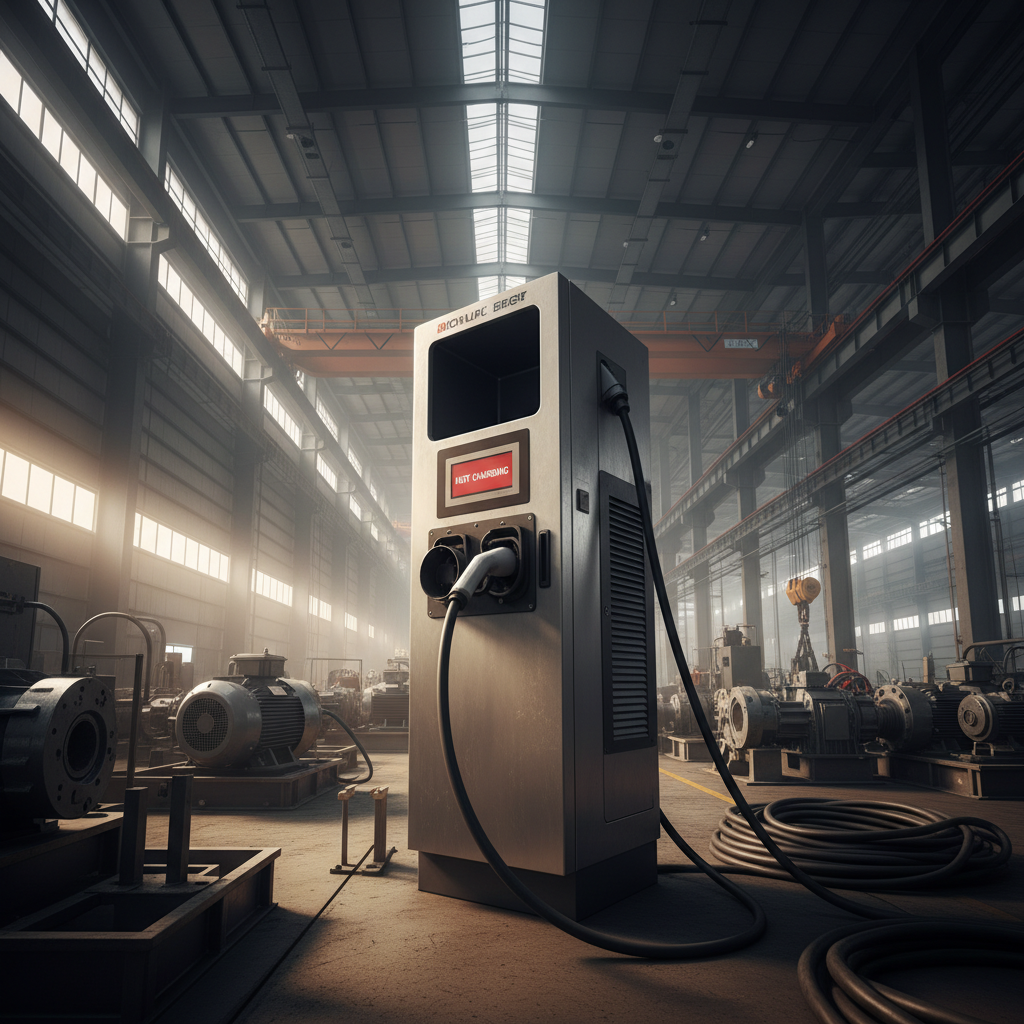
Common Reasons for Charge Point Not Charging
There are several common reasons why you might encounter a charge point not charging scenario. First, check the physical connection; a connector that isn't fully seated in the vehicle's port can prevent the "handshake" between the car and the charger. Second, software glitches in either the vehicle's onboard computer or the charger's firmware can lead to communication timeouts. Third, power supply issues, such as a tripped circuit breaker in your home panel, are frequent culprits for residential users. Finally, environmental factors like extreme cold or heat can sometimes cause the battery management system (BMS) to limit or stop the charging process to protect the cells.
Quick Check: Always verify that the charging cable is locked into place and that the charging app (if applicable) shows the station as "Available" before assuming a hardware failure.
Diagnosing Hardware vs. Software Faults
Distinguishing between a hardware failure and a software bug is essential for solving the charge point not charging problem. Hardware issues typically involve physical damage to the cable, worn-out pins in the connector, or internal component failure within the charging unit. Software issues, conversely, often manifest as error codes on the screen or a failure to authenticate via an RFID card or mobile app. A simple "power cycle"—turning the charger off and on again—can often resolve software-related hang-ups, whereas hardware issues generally require professional replacement or repair.
Analyzing Charge Point Not Charging Trends
To better understand the frequency of these issues, we can look at the common points of failure across different types of charging installations. Most charge point not charging events are not caused by the charger itself, but by external factors or user error. For instance, residential setups often fail due to unstable grid voltage, while public DC fast chargers are more prone to software communication errors between different vehicle brands. The following table breaks down the primary causes based on installation type.
Preventative Maintenance for Charging Stations
To avoid the stress of a charge point not charging, regular maintenance is key. For home owners, this means checking the electrical panel monthly and ensuring the charging area is free of debris. For commercial operators, firmware updates are critical; keeping the software current ensures compatibility with new EV models. Inspecting the pins of the charging connector for corrosion or carbon buildup can also prevent intermittent connectivity issues. Implementing a proactive maintenance schedule significantly increases the "uptime" of your charging infrastructure and enhances the overall user experience.
Technical Specifications of High-Reliability Charge Points
When selecting a new charging system to replace one that is frequently not charging, it is important to look at the technical specifications. High-quality charge points incorporate surge protection, thermal management systems, and advanced communication modules (like OCPP) to ensure stability. The more robust the internal components, the less likely you are to face downtime. Below is a specification comparison between standard and professional-grade charging solutions.
Conclusion: Ensuring Seamless Energy Delivery
Dealing with a charge point not charging is a challenge that can be mitigated through better hardware choices and consistent maintenance. By identifying whether the fault is physical or digital, and by investing in high-specification equipment, you can ensure that your EV remains powered and ready. At ACDC BESS, we focus on providing the most reliable energy storage and charging solutions to eliminate these frustrations. Don't let a faulty charger slow you down—invest in reliability today.
Frequently Asked Questions (FAQs)
What should I do first if my charge point is not charging?
The first step is to perform a basic physical check. Ensure that the connector is pushed firmly into the vehicle's port; sometimes the locking mechanism doesn't engage if it's slightly misaligned. After that, check your home's electrical panel for any tripped breakers or blown fuses. If you are at a public station, check the display for error messages and try restarting the session through the app. These three steps resolve nearly 60% of all charge point not charging incidents.
Can weather conditions cause a charge point to stop charging?
Yes, extreme weather is a common factor. In very cold temperatures, the battery's internal resistance increases, and the vehicle's Battery Management System (BMS) may slow down or stop charging to prevent lithium plating. Conversely, in extreme heat, the charger or the vehicle may throttle the power to prevent overheating. Using a high-quality, weatherproof charger from ACDC BESS ensures that the hardware can withstand these environmental extremes without failing.
How do I know if the fault is in my car or the charging station?
The easiest way to isolate the problem is the "cross-test" method. Try charging your vehicle at a different, known-working charging station. If the car charges elsewhere, the issue is with your original charge point. Conversely, if another vehicle can charge at your station but yours cannot, the issue likely lies with your car's onboard charger or port. If both fail, there may be a wider grid issue. Identifying this early saves time and prevents unnecessary repair costs for the wrong equipment.
Is a software update really necessary for a charging point?
Absolutely. EV technology evolves rapidly, and manufacturers frequently update the communication protocols between the car and the charger. If your charger's firmware is outdated, it may fail to "handshake" with a newer vehicle model, leading to a charge point not charging error. Software updates also patch security vulnerabilities and optimize energy efficiency, ensuring your system remains reliable and safe over its entire lifespan.
-
Cedar Point EV Charging Solutions for Sustainable Tourism Experience
NewsApr.16,2026
-
Guide to Cedar Point Charging Stations for EV Park Visitors
NewsApr.16,2026
-
Acorn Stairlift Charging Point Guide for Home Mobility Optimization
NewsApr.16,2026
-
Integrating a Wireless Charging Point into Modern Infrastructure
NewsApr.16,2026
-
How to Optimize Your iPhone 14 Charging Point for Efficiency
NewsApr.16,2026
-
Analyzing the Charging Point Share Price Trends and Market Outlook
NewsApr.09,2026